Jennifer Apple of PhotoshopSupport.com has posted a nice bunch of links to helpful Photoshop Links on her blog.

The links point to various tutorials such as:
- How to change eye color
- How to add a tattoo
- How to make Photoshop Chocolate
- And a few more…
Jennifer Apple of PhotoshopSupport.com has posted a nice bunch of links to helpful Photoshop Links on her blog.
The links point to various tutorials such as:

This is a fairly useful tutorial if you want to learn more about how some people create digital art. I have known some digital artists who disagree with using the smudge tool too much because they believe that a viewer would much rather look at brush / pencil strokes rather than smudged color.
Still, this is a great tutorial that is definitely worth checking out!
CreativePro.com has posted a new tutorial today about how to use Smart Objects in Photoshop CS2.

With CS2, Adobe introduced Smart Objects, special layers that can contain references to vector or raster image data. You treat these layers almost like any other layer, but at any time you can alter the source data for the layer using Camera Raw. Those alterations get passed through to the Smart Object in Photoshop. Because Smart Objects can contain Raw files, they allow for a Raw workflow that lets you re-edit your original Camera Raw settings at any time.
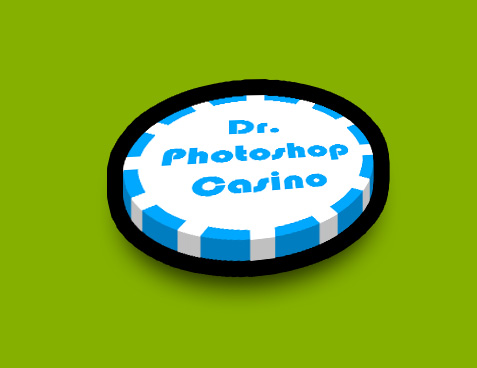
Dr-Photoshop posted a link to a video tutorial that goes over how to create a 3D Poker Chip.
The final result is:
The Video Tutorial is at:
Click here
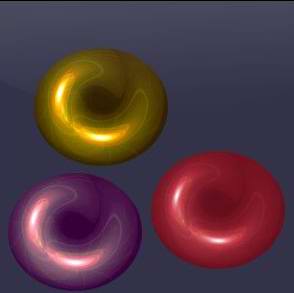
With Christmas right around the corner I’m sure everyone is looking forward to decorating their greeting cards or web sites with graphics of Christmas decorations.
Here is one particularly useful and well written tutorial on how to make Christmas Decorations.